
Give every useful memo enough context
A default timestamp records when you captured an idea, not why it matters. Immediately after the melody or lyric, speak a short note: “slow pre-chorus, try after Paper Crown verse,” or “hook rhythm, needs words.” Ten seconds of context can save ten minutes of guessing later.
Use a compact title pattern when your recorder allows renaming:
working-title — part — tempo/feel — date
Paper Crown — hook — slow swing — 17 Sep
You do not need every field. The valuable pieces are a recognisable song name, the type of idea, and one distinguishing clue. Apple’s current Voice Memos organisation guide supports favourites and folders on iPhone; use those native tools for a first pass rather than inventing a complex database.
If you cannot rename while the idea is fresh, favourite it. A favourite is not an award; it means “review this.” Clear that temporary flag during a scheduled review so it remains useful.
Run a short inbox review
Once or twice a week, process new recordings in one sitting. Listen at normal speed and make one of four decisions:
- Attach: this belongs to an existing song.
- Start: this deserves a new song draft.
- Incubate: interesting, but its role is unclear.
- Discard: duplicate, accidental, or no longer useful.
Do not turn review into production. You are routing ideas, not finishing them. Cap the time spent on any memo; if it demands serious writing, create the song entry and give it a next action.
For an inherited backlog, process the newest twenty recordings first. They are more likely to match your current work and memory. Then search older dates around known writing sessions or performances. Listening to hundreds in chronological order feels thorough but can consume the energy the system is meant to protect.
Group material by song, not file type
A song may contain a hummed hook, spoken verse, beat reference, harmony stack, and production note. Keeping all “melodies” in one folder and all “lyrics” in another splits the thing you are trying to finish. Use the song as the container, then label each recording by role.
| Recording | Role | Next action |
|---|---|---|
| Paper Crown 01 | Hook melody | Choose key and comfortable range |
| Paper Crown 02 | Verse lyric sketch | Transcribe first eight lines |
| Paper Crown 03 | Harmony option | Compare after lead take |
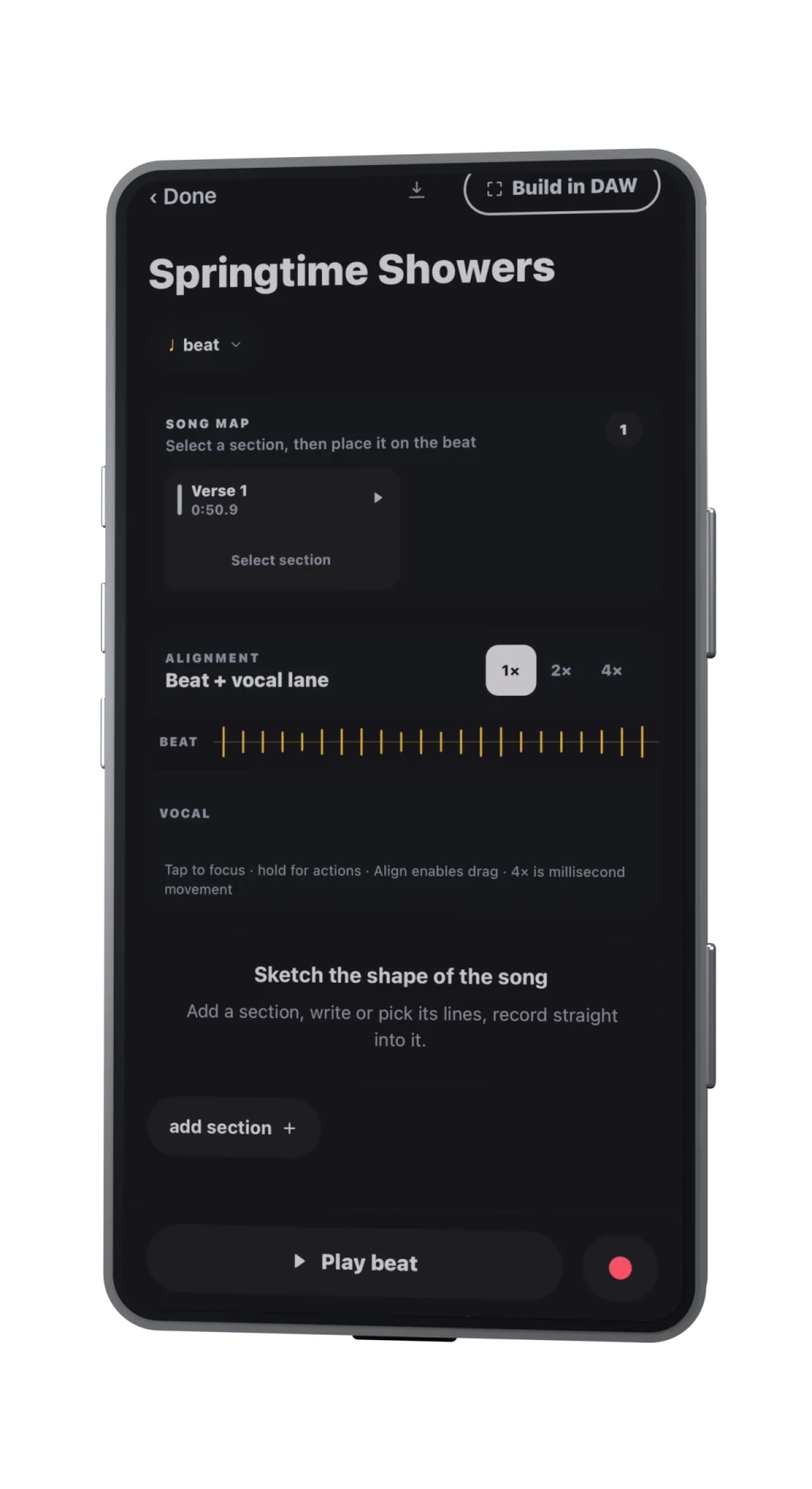
Cadence can start from an imported recording or a new take and keep audio, lyrics, beats, and song organisation together. Its voice-memo transcription guide describes sharing a memo or audio file into the app, running on-device transcription, and correcting the result while listening. Transcription is a draft, especially with singing, room noise, effects, or unfinished words; never treat it as authoritative.
Extract decisions, not just transcripts
A transcript makes words searchable, but the useful output of review is a decision. After listening, write one sentence in each applicable field:
- Keep: “rising three-note hook and the phrase ‘paper crown’.”
- Change: “verse melody sits too low after the hook.”
- Unknown: “need to decide whether the second voice is harmony or response.”
- Next: “record one complete chorus over the beat.”
This prevents the archive from becoming a museum of fragments. The next action should be small enough to begin in one session and specific enough that you know when it is done.
Keep the original audio after transcription. Pitch bends, rhythmic hesitation, breath, and tone may carry the idea more accurately than words on a page. If privacy matters, check the behaviour of each tool rather than assuming all transcription is local. Cadence states that its take transcription runs on-device and that mic takes remain local unless deliberately shared; see the Cadence privacy policy for the current details.
Maintain a small active queue
Choose no more than three active songs: one to draft, one to record, and one waiting on a decision or collaborator. Everything else can remain in the library without competing for today’s attention. When a song moves forward or is deliberately paused, promote another.
Use status labels that describe work rather than worth:
- Seed: one compelling fragment.
- Draft: enough material to shape sections.
- Demo: a complete listenable pass exists.
- Handoff: ready for collaborators or deeper production.
- Archive: retained, but no next action.
A monthly maintenance pass can remove duplicates, confirm backups, and archive abandoned versions. Be careful when deleting originals: local recordings may not exist elsewhere. Export or back up anything you would regret losing, and verify the copy before removing the source.
If a song stalls, reduce the next action rather than adding more categories. “Finish Paper Crown” is too large; “choose between hook takes A and B” or “transcribe the first verse” can begin immediately. A queue should expose decisions, not turn creative work into administration.
The system succeeds when you can answer three questions quickly: Which song is this? What is valuable in the recording? What happens next? Folder beauty, tag counts, and a zero-inbox streak are secondary.
Sources
- Organize recordings in Voice Memos on iPhone — Apple SupportChecked 2026-09-17
- Cadence: turn voice memos into editable lyricsChecked 2026-09-17
- Cadence privacy policyChecked 2026-09-17