Bring in the recording
- On iPhone, open Voice Memos, choose the recording and use Share → Cadence. You can also import an audio file from within Cadence.
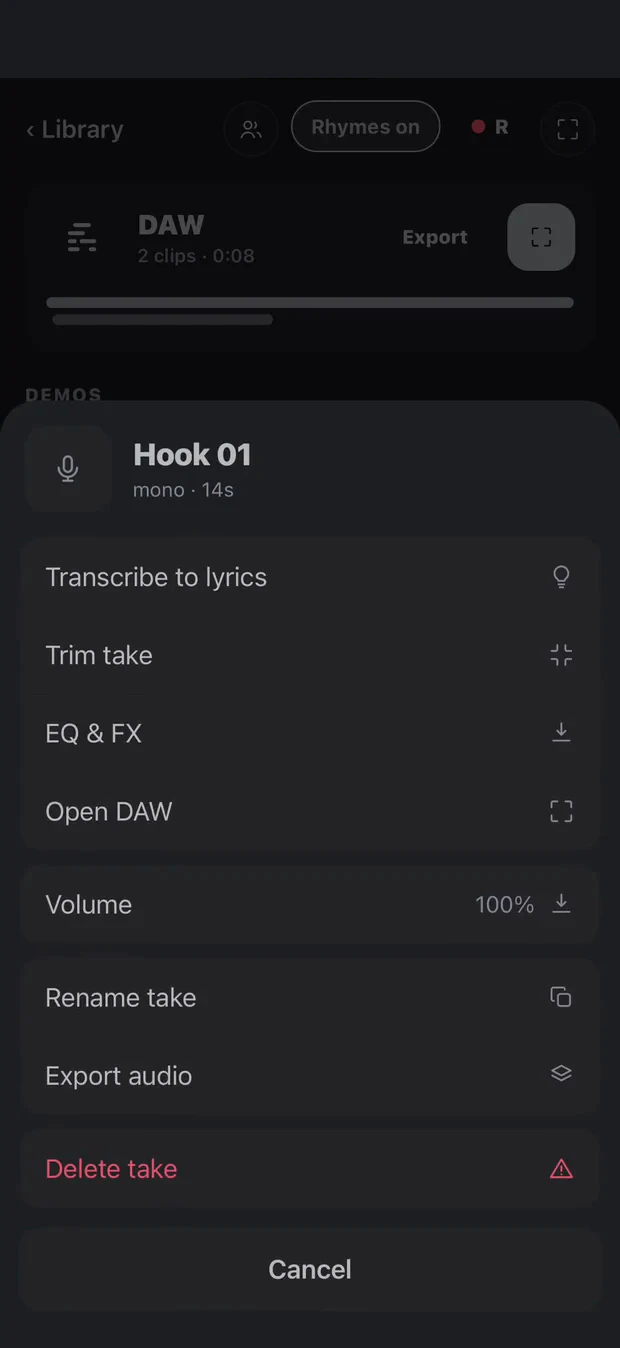
- Open the take in its song and choose the transcription action. Keep the recording available on the device while it processes.
- Review the transcript against the audio before using it as your working lyric.
If Cadence is not visible in the share row, open More and add it to your favourites. Android sharing depends on the recording app; exporting an audio file and using Cadence’s import is another route.
A transcript is a starting point
Transcription runs on device. Background music, sung or rapidly delivered words, quiet recordings and overlapping voices can reduce accuracy. Correct the transcript while listening to the take, then shape line breaks and sections around the performance.
This is particularly useful for a spoken lyric sketch. It is not a guarantee of a word-perfect transcript of a finished song.
Keep the idea moving
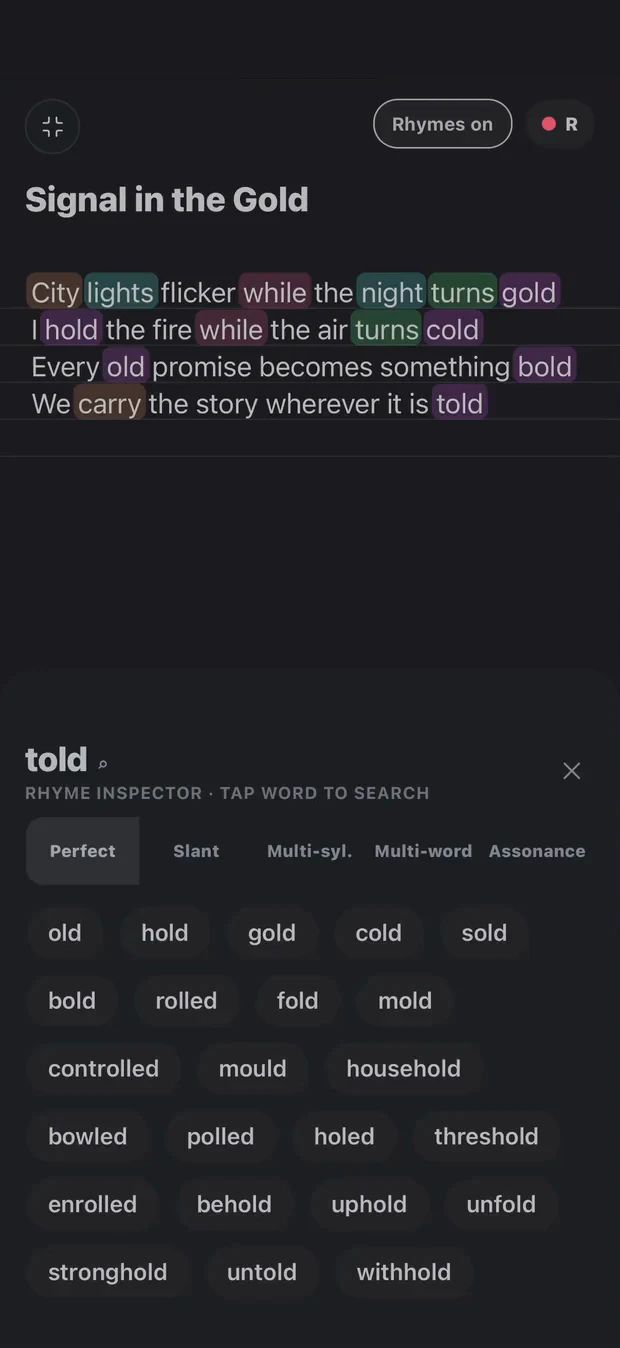
After the words are on the page, use rhyme suggestions to explore alternatives, bring in a beat and record another take. The original recording stays part of the song rather than disappearing into a separate folder of unnamed memos.
Explore the full songwriting workflow.
Keep writing in Cadence
Keep lyrics, rhyme ideas, beats and takes together as your song develops.
Available now for iPhone, iPad and Android.