See the real workflow
Watch an original beat-first writing session: instrumental import, lyric, A–B loop and saved take, with capture limitations disclosed.
Cadence / Songwriting resources
The beat is already moving. Keep your lyric, rhyme choices and vocal takes beside it, from the first pocket to a demo you can play back.
Available now for iPhone, iPad and Android.
Watch an original beat-first writing session: instrumental import, lyric, A–B loop and saved take, with capture limitations disclosed.
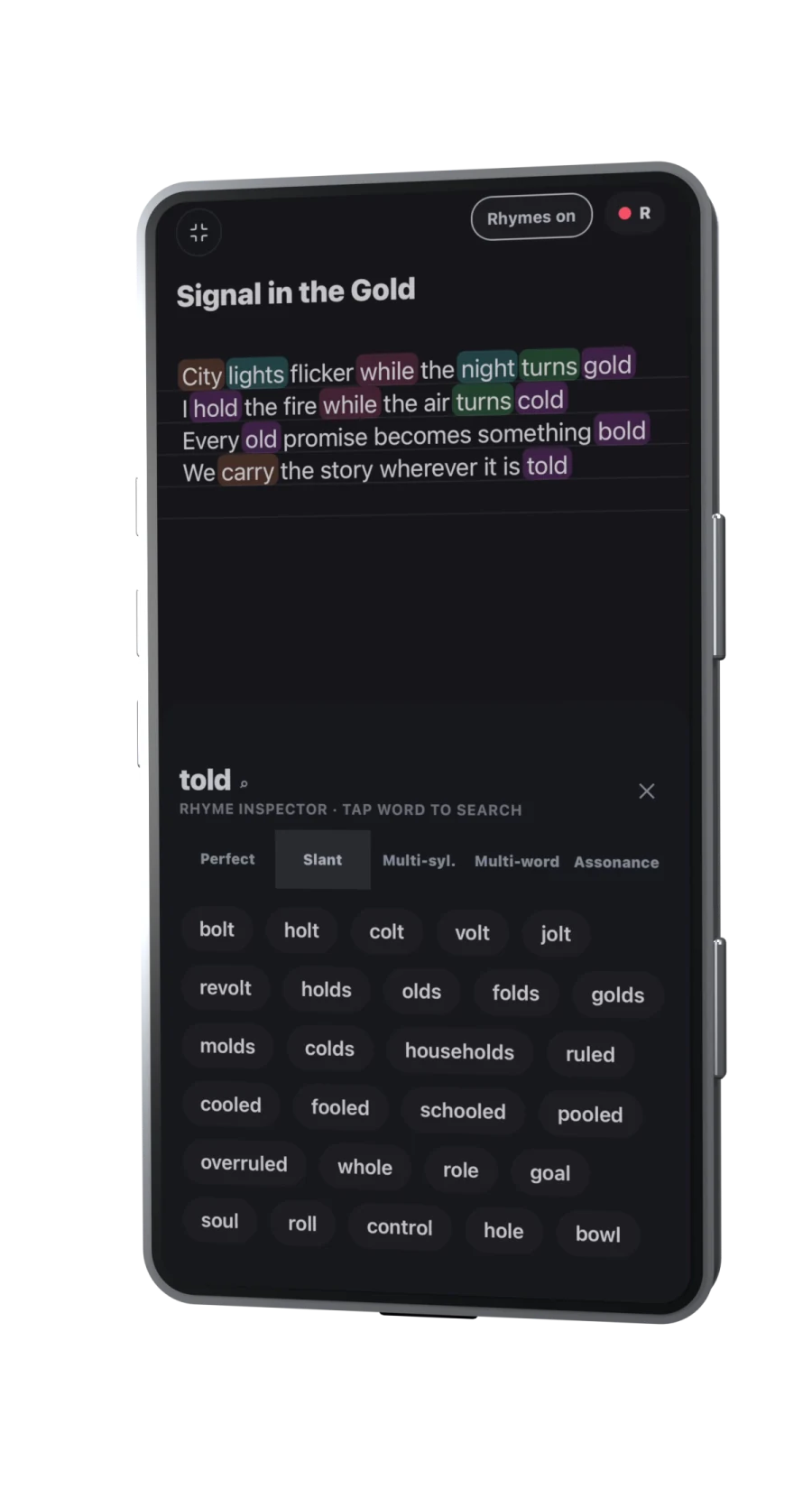
A type beat gives you a production direction to write against. The hard part is turning that first response into words you can perform. Cadence connects the steps: load your beat, loop the part you need, work on the lyric, record draft takes and develop the arrangement without moving the song between a notes app, a player and a recorder.
That connected writing workflow is the reason to choose Cadence for this job. You stay in charge of the lyric and delivery. The app provides rhyme exploration, playback and recording tools; it does not generate your song for you.
Follow the detailed rap-writing method for stress, breath and revision, then use the free beat-to-demo worksheet to plan sections and compare your takes. Watch the arrangement and DAW walkthrough for the later stages.
Choose a short loop and count four beats per bar if the instrumental is in 4/4. Speak the lines before deciding where to enter. These original lines are a starting point, not a fixed melody:
Last bus gone, but I still know the way
Rain on the glass puts a pause in the day
I had a whole speech; I let half of it go
Left room for the thought that I wanted to show
Record one pass with each line starting on beat one. Then try entering the second line later and leaving a rest before “show”. Listen without reading. Keep the version where the thought is easiest to follow, then replace the words with a story of your own.
If you need another ending, try the free English rhyme finder. Check the result in your own pronunciation and in the context of the whole bar.
If your priority is writing and testing a vocal over an existing instrumental, look for lyrics beside playback, repeatable loops, rhyme tools and takes that stay with the song. If you need to produce the instrumental from scratch, compare dedicated production tools as well. Cadence includes a mobile DAW for developing the demo, but a writing workflow and a full desktop production setup serve different needs.
Read the songwriting app selection guide or the Android workflow guide to choose by the job you need to finish.
A “free type beat” label is not the licence itself. Check the producer’s stated terms for the use you intend, including any release or monetisation. Keep the permission and credit information with your project notes. Importing or recording over a file in Cadence does not grant rights to that instrumental.
Cadence is a writing and recording workspace, not a beat marketplace or a YouTube downloader. Start with a permitted audio file.
Yes. Import a permitted beat audio file, set an A–B loop, write your lyric and record draft takes while the beat plays. Continue with arrangement and the mobile DAW in the same song workspace.
No. Bring an audio file you are allowed to use. Cadence does not act as a beat marketplace or a YouTube downloader, and importing a file does not grant a licence to release it.
Cadence is listed on Google Play for Android and on the App Store for iPhone and iPad. Check the current listing for your device and account before installing.
Tools for your writing. Not writing in your place.
Explore a rhyme, loop a beat, capture a take. You decide what belongs in the song. Transcription helps put your recorded words on the page; it is not a replacement for your voice.
See the writing workspace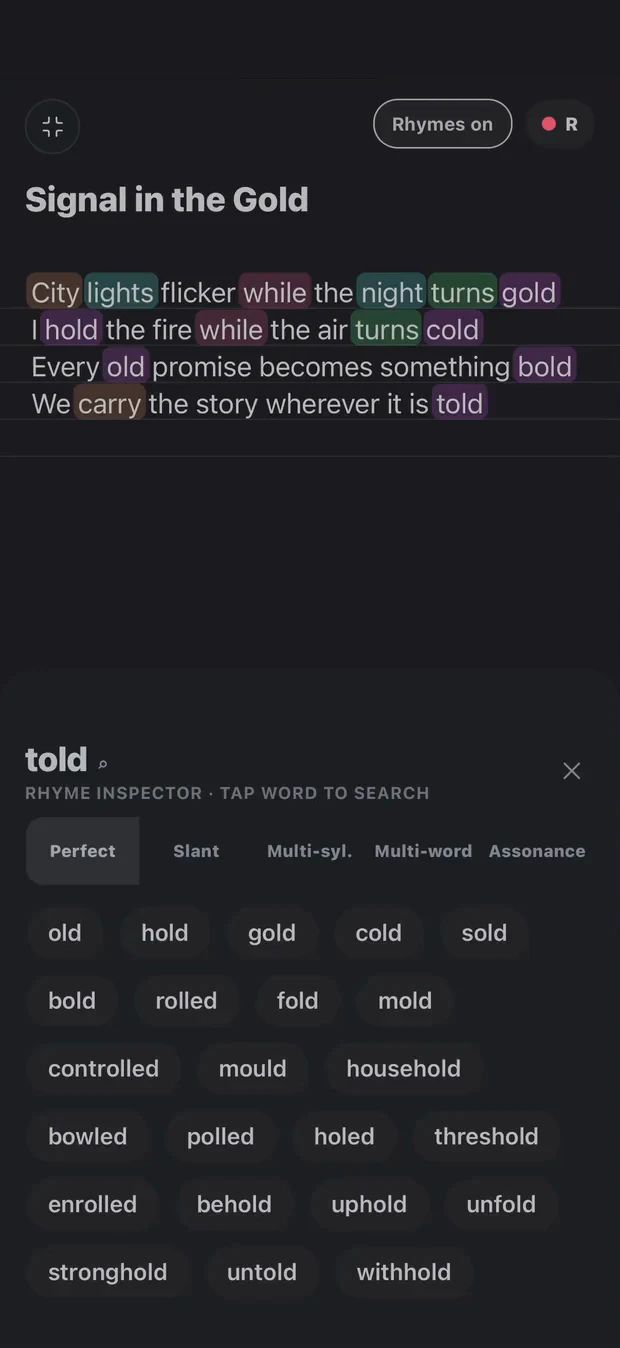
Keep lyrics, rhyme ideas, beats and takes together as your song develops.
Available now for iPhone, iPad and Android.