
Give each unfinished song one home
Use the same working title for your notes, recordings and beat. When two ideas share a beat, give them different song names and preserve the original instrumental. Choose the latest lyric as the version to revise, then move older copies into a dated folder. Keep the original voice memo even if you replace its transcript.
If your starting point is a recording, follow the voice-memo-to-lyrics workflow. Keep the original file and your corrected lyric beside each other so you can check words against your delivery.
Copy this song draft organizer template
Working title:
Stage: idea / lyric draft / recorded demo / ready to share
Latest lyric:
Beat or original recording:
Keep these takes:
Rights or collaborator notes:
Next action:
Example: Night Bus is a lyric draft. The verse works over the instrumental. Take 2 has the best delivery. The next action is “record two versions of the first chorus line over bars 9–12.” Write an action you can begin as soon as the project opens.
Sort unfinished songs by next action
Set a ten-minute timer and triage five projects. Mark the ones that only need a lyric edit, those waiting for a take, and those ready to share. Pick a single task that fits your available time. If a song stalls because its beat or permission is missing, leave a note so you can resolve the blocker instead of rewriting a working verse.
Keep a preferred take and one useful alternate. For major lyric changes, save a dated copy. Before sharing, listen to the exported demo itself and confirm it matches the lyric you intend to send.
Choose a folder or an app with audio attached
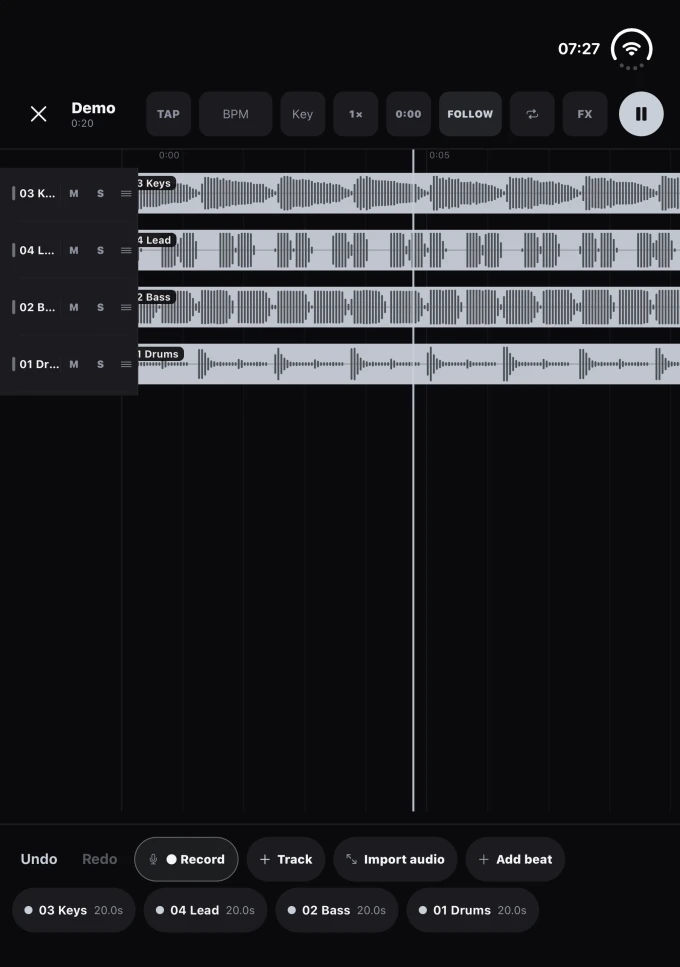
A folder and text file work well if you mostly need to find things again. An app helps if you repeatedly need to play a beat while editing lyrics or compare takes from the same draft. In Cadence, start one song in the Library, then bring in your audio. For the handoff, check what lyric export and recording backups you need. Keep copies of your important audio outside the project.
Sources
- Cadence feature walkthroughChecked 2026-11-23